The old way
Missed calls. Re-entry. Six apps.
One tool answers. Another stores the customer. The shop still clicks through to dispatch, bill, and follow up.
Answer→Re-enter→Chase
Shop OS for trade shop owners
For HVAC, plumbing, electrical, and handyman businesses. Not a marketplace for homeowners.
Aestar is the Shop OS: Ava answers the phone, Owner Desk runs jobs, techs, and payments, and your shop site is the front door.
Missed calls are missed jobs. This software is for the shop that already has trucks — not for posting a plumbing job.
See Ava on the line → See the next action →
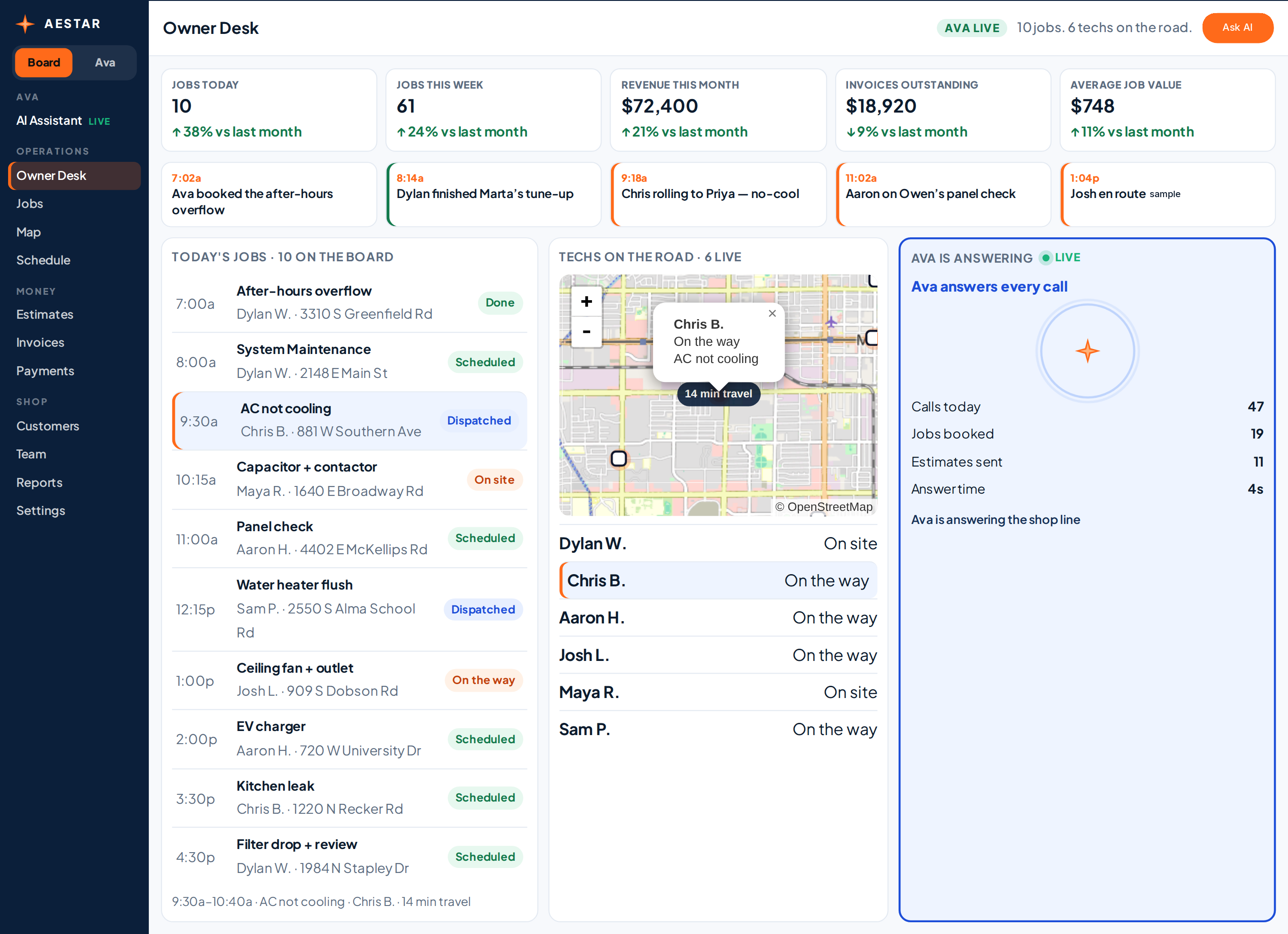
Ava answers every call
Calls today 47
Jobs booked 19
14 min travel
Owner Desk
Jobs, trucks, Ava, and the money on each ticket. Tap a job — the pin and next move follow.
Ava · Owner Phone
Call Ava. The job lands on the board, and the customer sees the confirm texts.

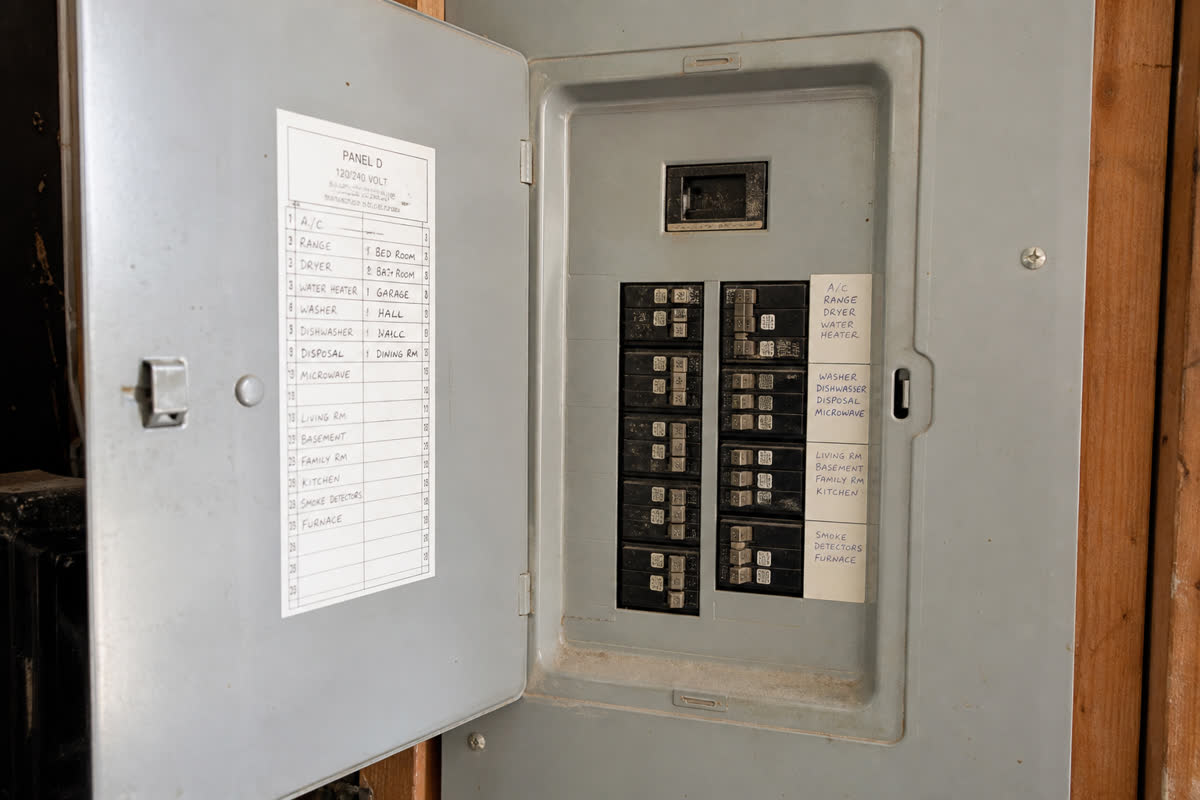
Here are the panel photos.
Quote ready at $2,180 from the photos. Confirm before it leaves the shop.
East Valley mid-pack · same-week window
✓ Held for owner send
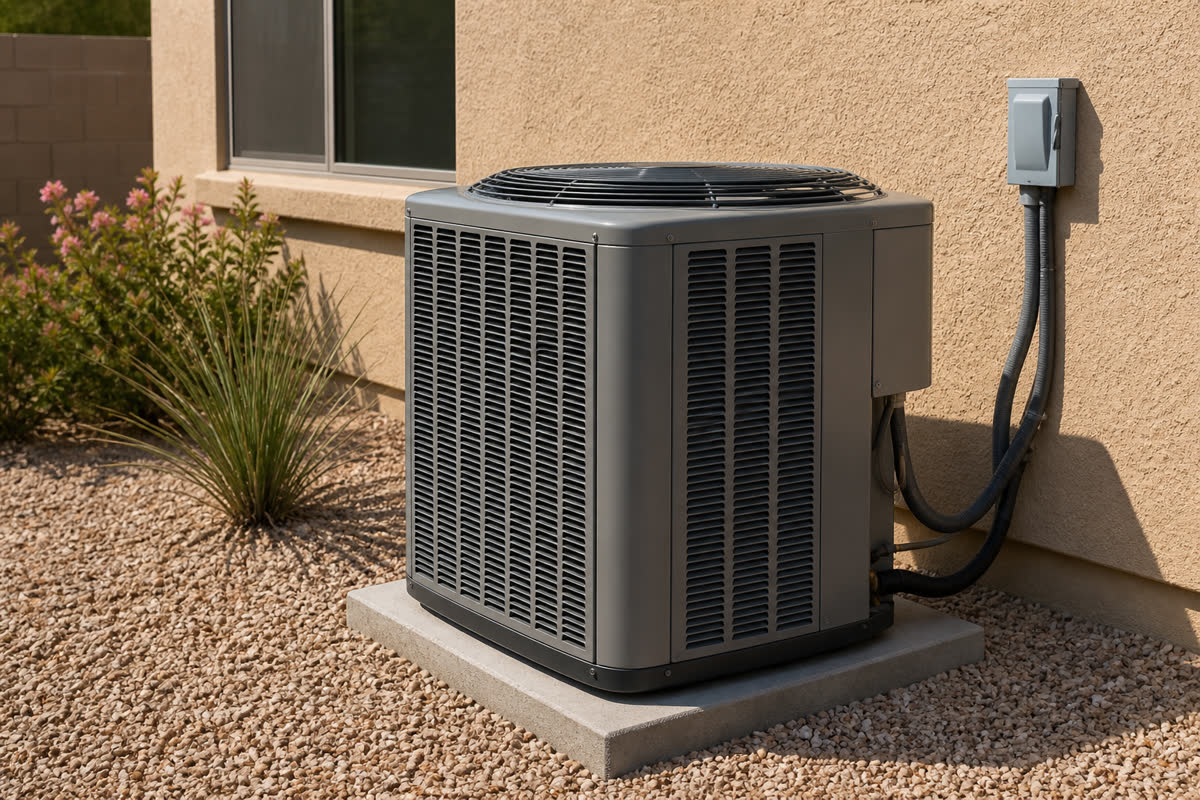 HVAC
HVACPriya’s AC not cooling at 9:30a. Chris B. on the way. $189 diagnostic.
Play this trade →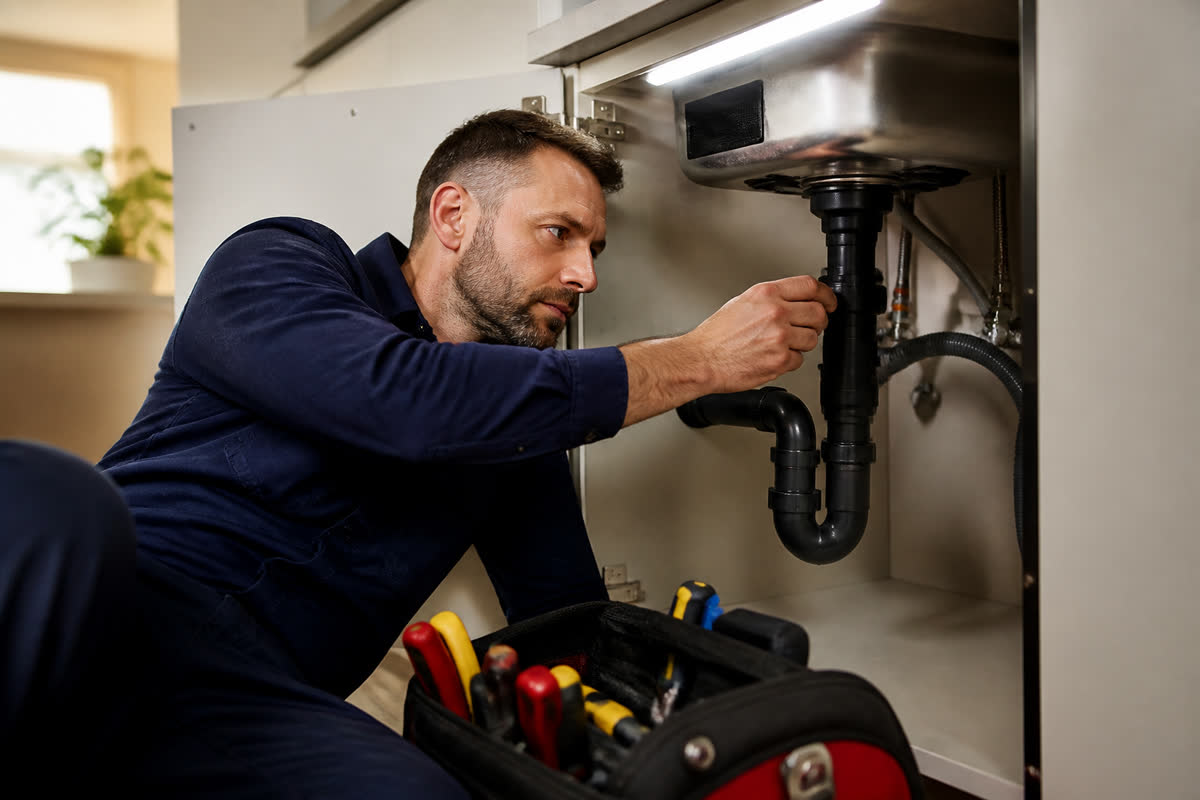 Plumbing
Kitchen leak at 3:30p, 1220 N Recker. Same desk as the panel.
Play this trade →ElectricalOwen’s panel photo drafts $2,840 after East Valley comps.
Play this trade →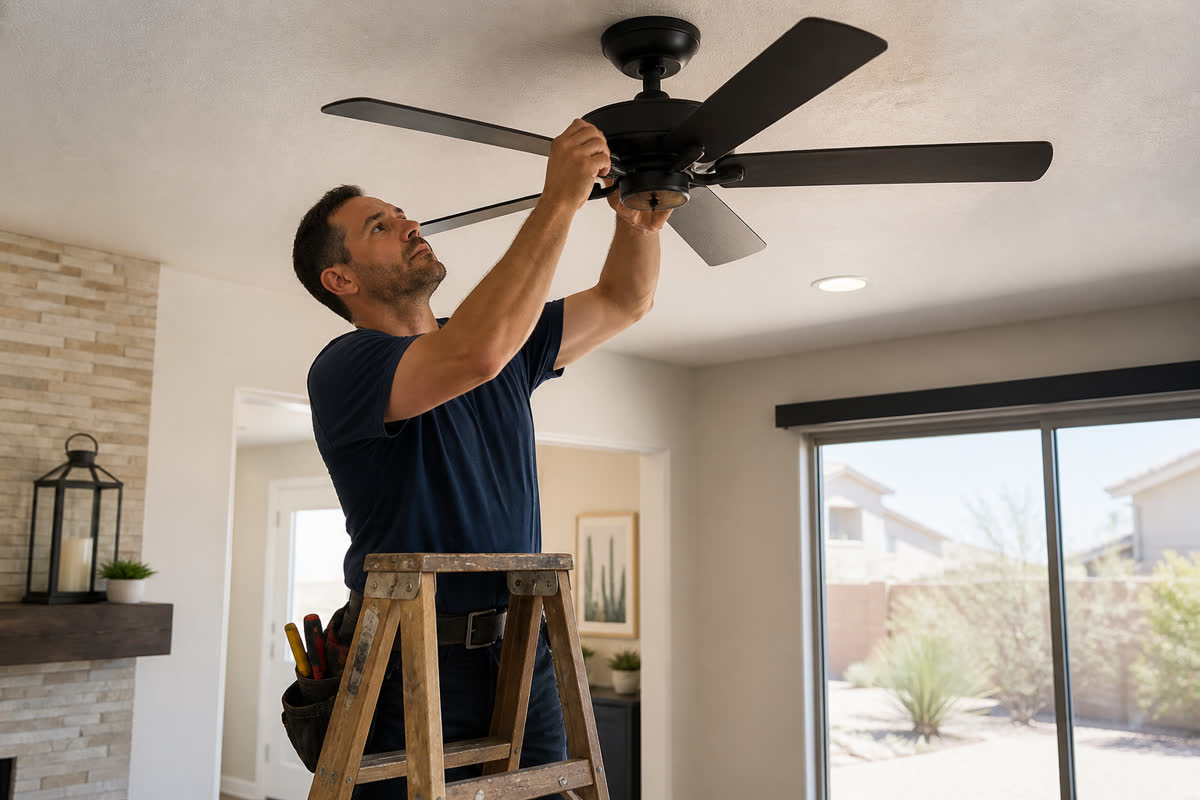 Handyman
Ceiling fan + outlet at 1:00p. $240. Same board as the AC call.
Play this trade →
Next job
AC not cooling9:30a · Chris B.
881 W Southern Ave · 14 min
The product
One Shop OS — Ava on the shop line, Owner Desk on the phone, and the shop site as the front door. Open the big board when you want more room. Homeowners do not post jobs here.
Preview $0 · Shop OS $89/mo · Custom · talk to us · Open pricing →
Your path on Shop OS
Ava answers every shop line, qualifies the job, and books or routes the next step. Owner Desk keeps dispatch, invoices, and the next booking on one board — not a marketplace for homeowners.
Call — Answer every shop line with context; capture why they’re calling, address, and urgency.
Answering tools stop after the first call. The shop still re-enters the job. Aestar carries the conversation onto Owner Desk through dispatch, payment, and the next booking.
The old way
One tool answers. Another stores the customer. The shop still clicks through to dispatch, bill, and follow up.
The Aestar way
Ava answers, books the work, and Owner Desk runs dispatch, techs, and payments in one place.
Shop OS capabilities
Six capabilities on one Shop OS: conversation, record, dispatch, completion, payment, and growth.
Ava answers calls and messages as the shop. She captures why they called, the address, and the next step.
Name, address, job details, and the conversation stay on one Owner Desk record from the first call.
Book the visit, assign the tech, and keep the pin, travel time, and customer update on one board.
Move the ticket from scheduled to done with photos, notes, and the details the office needs.
Send the estimate, invoice, and collect from the same job record. You confirm before anything goes out.
Turn completed jobs into review requests, follow-ups, and the next booking.
Hear Ava on the board — then start a free trial.
Ava on the line
Call Ava. The job lands on Owner Desk, and the customer sees the confirm texts. Same Ava as Owner Phone.
Mesa · today
Owner Phone · Ava
I'm Ava. I can help.
Our AC died and it's 108 out.
Owner Phone · Ava
Yes, book that.
881 W Southern Ave at 9:30a.
✓ On the board
Priya — you’re booked today at 9:30a for AC not cooling at 881 W Southern. Chris B. is on it.
Chris is 14 min out. Reply STOP to opt out, HELP for help.
Owner Phone · Ava
Here are the panel photos.
Quote ready at $2,180 from the photos. You still approve.
Owner Phone · Ava
Show me the job.
Chris B. is next on the board.
Owner Phone · Ava
Ava on the shop line
AC not cooling · Mesa
Two views
The customer conversation and the internal board are different on purpose. The job stays connected.
For customers
They hear Ava, book an appointment, and get a confirmation on the same job.
For owners and techs
Ask in your own words: show tomorrow’s openings, draft the panel, or move the job.
Owner Desk
Ava drafts the step. You adjust the time or confirm it onto today’s board.
Next action
Put Priya’s 9:30a on the board
Ready to confirm
From setup to daily operations
Start with the essentials, turn on what you need, and keep Ava connected as the team grows.
Owner phone
Live schedule beside the same five tabs. Tap a job and the pin, route, and travel time move with it. Ava sits on the phone chrome.
Ava in conversation
Scripted loops from today’s board. Type your own question on the phone.
Four families
Calls, dispatch, money, and growth — not a pile of leftover apps.
🔔 Calls & Communication
Ava answers the shop line, the chat, and the after-hours note.
🗺️ Scheduling & Dispatch
The map, the calendar, and Directions share the same Mesa day.
💳 Jobs & Money
Estimates, photo quotes, and collect sit on the same job record.
🧮 Accounting
Hours and the money glance are the same numbers as Owner Desk. Payroll assist is later.
Popular features
Calls, dispatch, estimates, and the board — plus photo quotes, local rates, and your Google listing.
Shop days
Click a full HVAC, electrical, or handyman day. Not customer reviews and not real logos.
Today on the board
HVAC
Ava books the AC not cooling visit before the owner finds voicemail.
18 calls handled on this sample day
Open the AC not cooling on the desk →Plumbing
The leak and the panel sit on the same board, not two apps.
1 board for every trade
See the leak on the desk →Electrical
The picture becomes a $2,840 draft after local comps.
$2,840 panel draft after local rates
Play photo quotes →Handyman
Handyman sample — fan plus outlet, $240, on the same map.
$240 invoice on the same OS
Open the handyman sample →Plans
This table is the honest split — not a competitor price list. Nothing on this page charges.
| What you get | Preview | Shop OS | Custom |
|---|---|---|---|
| Price | $0 | $89/mo | Talk to us |
| Owner Desk + Ava | Browser demo | Live after go-live | Live |
| Voice minutes | Browser only | 200 included + $0.25/min overage | Sized with you |
| Photo quotes + local rates | This site | In the account | In the account |
| Map + Directions | Leaflet demo | Live techs after go-live | Multi-yard |
| Brand Picker | This site | Site, GBP, estimates | Multi-yard brands |
| Owner phone | Five-tab demo | Pocket OS after go-live | Same OS |
| Review asks | Queued in browser | After the job | With you if you want |
| Users / techs | Example desk sample | Your team | Multi-yard |
| SMS / email / number buy | Never from this site | After go-live | After go-live |
| DID / shop number | — | Pass-through at checkout | Pass-through |
| Checkout | No card | aestarai.com — this page never charges | Talk to us |
Start free trial See Owner Desk Open full pricing → Request a walkthrough
Growth
Get more jobs, keep customers, recover and measure — original photos, not a competitor’s library. Click a campaign to see booked jobs.
Get more jobs
Open Get more jobs →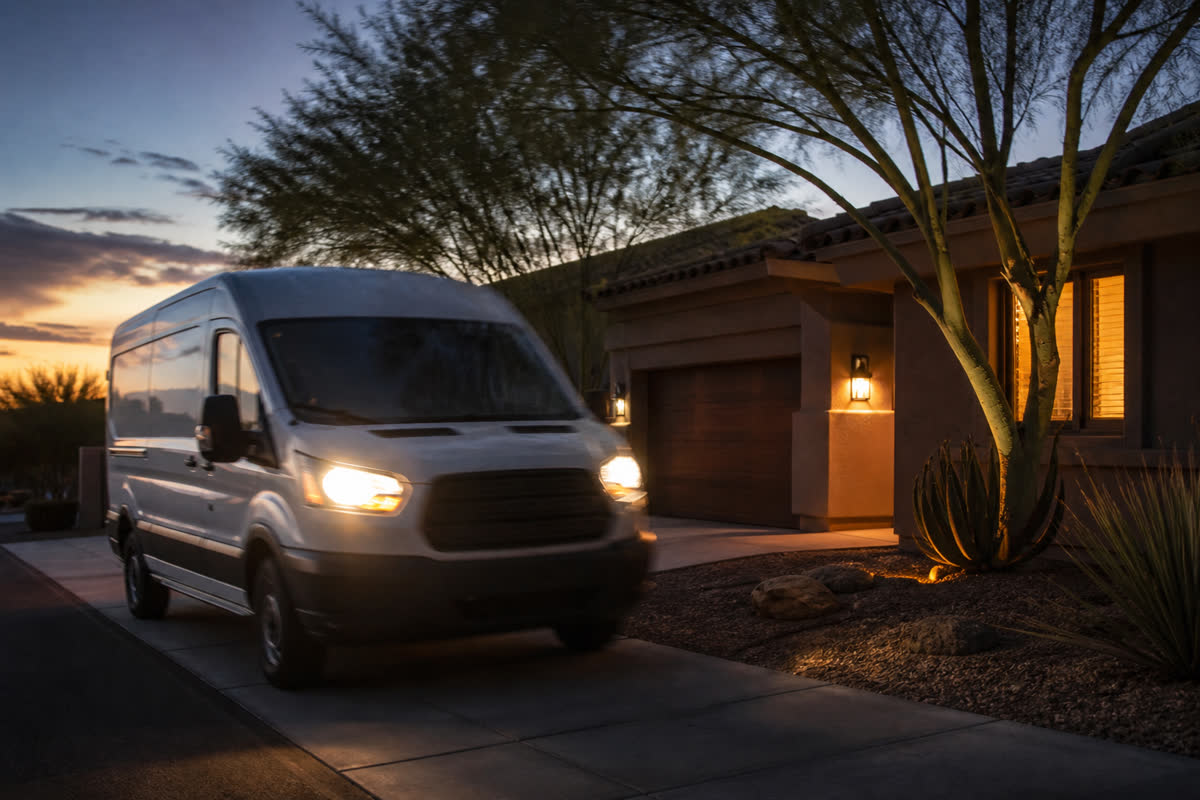
Ava picks up in seconds and books the appointment onto Owner Desk.
Explore Speed to Lead →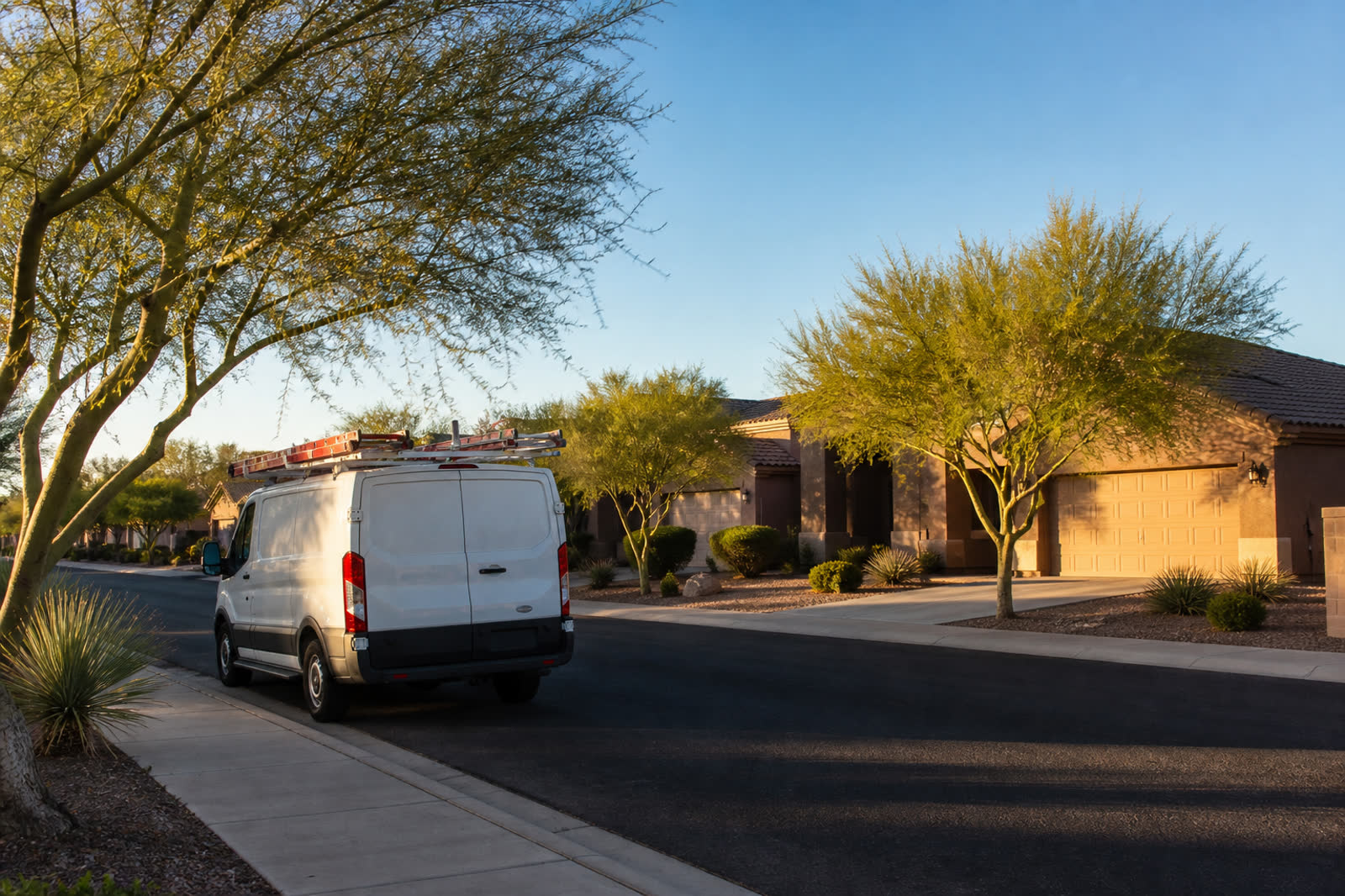
Show up on the streets you already drive, from inside the account.
Explore Neighborhood posts →
Draft outreach that stays queued until you approve a send after go-live.
Explore Queued campaigns →This week’s booking path · Mesa · click a campaign
Maintenance-plan houses Ava recycled this week.
Open these jobs on the Owner DeskCampaigns stay queued until you go live.
Onboarding
This preview fills a sample shop — it does not log into live accounts.
Tap Connect. The card fills the sample shop. No live login.
Demo-connect only. This preview fills the sample shop and does not log into Housecall Pro.
Demo-connect only. This preview fills the sample shop and does not log into ServiceTitan.
Demo-connect only. This preview fills the sample shop and does not log into HubSpot.
Demo-connect only. This preview fills the sample shop and does not log into HighLevel.
Demo-connect only. This preview fills the sample shop and does not log into FieldPulse.
Demo-connect only. This preview fills the sample shop and does not log into Workiz.
Demo-connect only. This preview fills the sample shop and does not log into Xplor SPOT.
Demo-connect only. This preview fills the sample shop and does not log into FieldRoutes.
Questions
Software for HVAC, plumbing, electrical, and handyman shop owners.
Aestar is the Shop OS for home-service businesses: Ava answers the phone, Owner Desk runs jobs, techs, and payments, and your shop site is the front door. One product — not a pile of apps.
HVAC, plumbing, electrical, and handyman shop owners. This is software your trade business runs. It is not a marketplace and not a place for homeowners to post a job or hire a plumber.
Ava is Aestar’s AI receptionist. She answers the shop line, qualifies the job, and books or routes the next step.
Owner Desk is the board the shop runs: today’s jobs, techs, the map, invoices, and payments. The Owner App is the same shop in your pocket — not a second product.
Start a free trial — that opens signup. Preview stays $0 with no card. Or click See Owner Desk to run today’s board. Shop OS is $89/month after you go live.
No. Sample jobs, confirmations, review asks, and Google posts stay in your browser. If you start a trial with a phone number, reply STOP to opt out, HELP for help. Either way, we email your dashboard link.
Ava is Aestar’s AI receptionist. She answers the shop line, qualifies the job, and books or routes the next step.
Shop OS is $89/month after you go live, with 200 answered minutes included and $0.25/min after. Need custom — talk to us. Paid Shop OS includes a 30-day go-live window and Go-live: first 100 minutes free. A card is required. Cancel anytime. This preview is free and never charges.
No. The Owner App on your phone is the same jobs, map, and money as Owner Desk, in five tabs. It is not a second product.
No. The shops on this site are labeled samples so you can click through a full day of work.
No. Payments connect after you go live. Record payment stays on the job card.
AESTAR
Hear Ava handle a call for your shop, then walk Owner Desk. This page does not place a live call.
Preparing your walkthrough
We’re setting up a shop preview for Ava and Owner Desk.
0s elapsed
Walkthrough request
We’ll reach out. This page does not place a live call.
We’ll reach out at . This page does not place a live call.