The Aestar platform
One shop OS for the whole home-service day.
Calls, dispatch, money, and growth sit on the Owner Desk with Ava — not in a pile of apps.

Owner Phone
Ava · East ValleyNext job
AC not cooling9:30a · Chris B.
881 W Southern Ave · 14 min
- Ava On the shop line
- Photo Panel draft $2,840
- Desk Same board, in hand
On the board
Photo quotes, local rates, calls, map, estimates, rescue.
Same jobs as Owner Desk. Each tab is a different ticket on today’s board.
The complete platform
Every card is a real page.
Open any feature. The desk, the phone, and Ava share the same job.
🔔 Calls & Communication
Ava answers the shop line, the chat, and the after-hours note.
Incoming Call Alerts
Ava flags every inbound call on Owner Desk and the owner phone. Missed calls become a next action.
Explore Incoming Call Alerts →
Call summaries
When Ava hangs up, Owner Desk gets the summary, the job, and the next step.
Explore Call summaries →
Smart Message Intake
Texts, website chat, and after-hours notes write as intake: name, address, trade, and urgency. Same Ava as the phone.
Explore Smart Message Intake →
Slack (demo-connect)
Owner Desk, owner phone, and Slack (demo-connect) show the same incoming job.
Explore Slack (demo-connect) →
Follow-up drafts
Unconfirmed appointments and unbooked estimates return as drafts. They stay queued until send is real.
Explore Follow-up drafts →
Call Flows
After-hours, overflow, emergency vs. bookable, HVAC vs. plumbing — Ask AI can change a rule. Ava still answers.
Explore Call Flows →
Website chat (Ava)
The site talks as the shop. Same Ava as the phone, shown on Owner Phone.
Explore Website chat (Ava) →🗺️ Scheduling & Dispatch
The map, the calendar, and Directions share the same Mesa day.
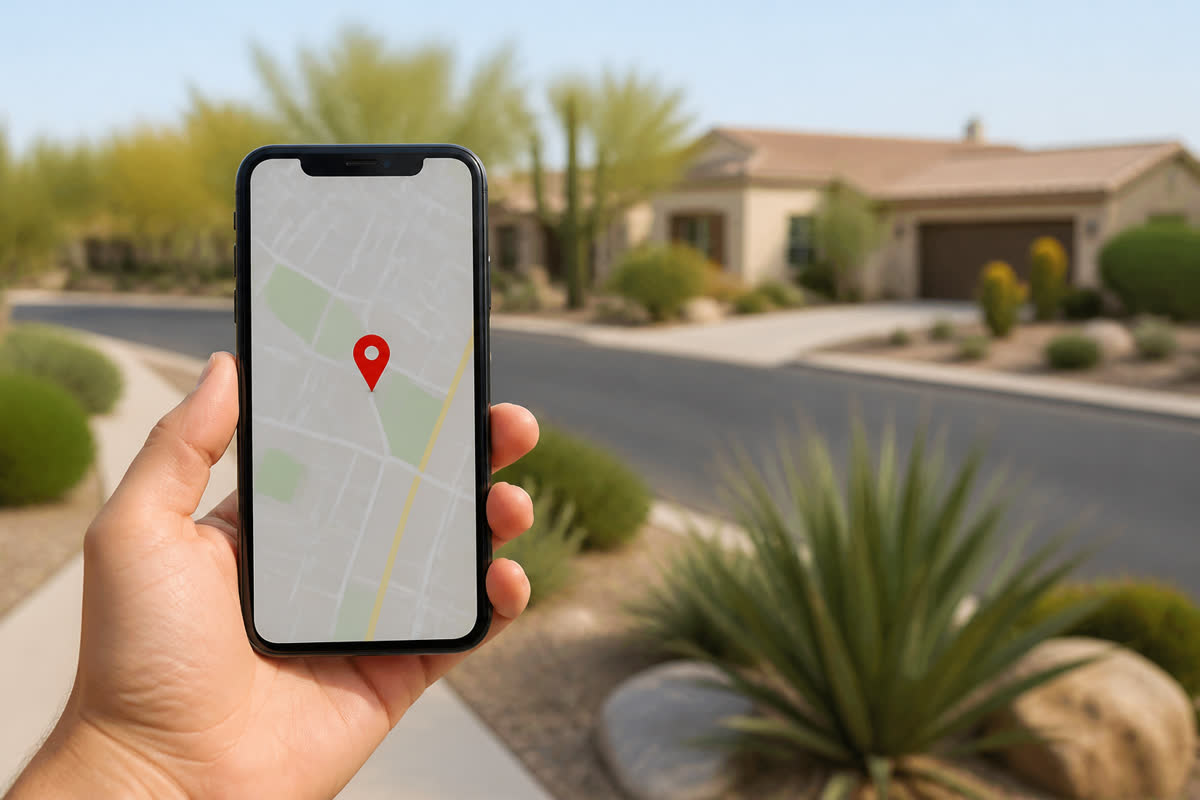
Dispatch Management
Assign the tech, see who is on site. Dispatch is Owner Desk — not a second login.
Explore Dispatch Management →
Team Calendar Sync
Google Calendar connects after go-live. Tech availability, jobs, and the map read the same schedule.
Explore Team Calendar Sync →
Tech pins
Techs on the map are pins you assign and drag. This page is assignment — not live GPS tracking.
Explore Tech pins →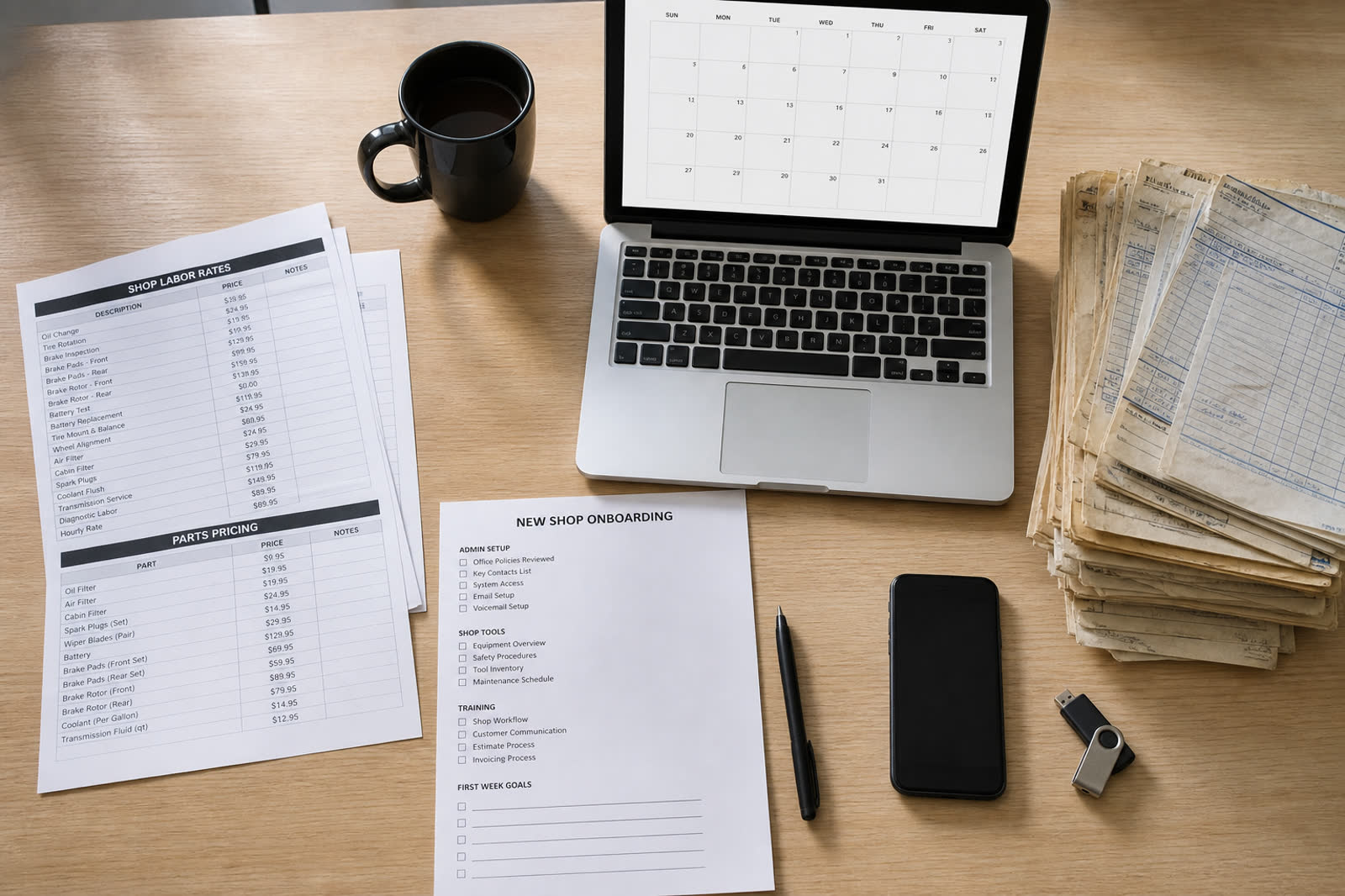
Tracking link
A tracking link shows the appointment and the tech. You copy or share it. This page does not text the link.
Explore Tracking link →
Pin map Aestar
Click a house, open the job, send Directions. HVAC, plumbing, electrical, and handyman share one map.
Explore Pin map →
One-tap Directions Aestar
One tap opens Maps for the next appointment. Same button on Owner Desk and the owner phone.
Explore One-tap Directions →💳 Jobs & Money
Estimates, photo quotes, and collect sit on the same job record.
Jobs
Jobs carry photos, notes, tech, status, and money. Tap one to see Directions and the Ava trail that booked it.
Explore Jobs →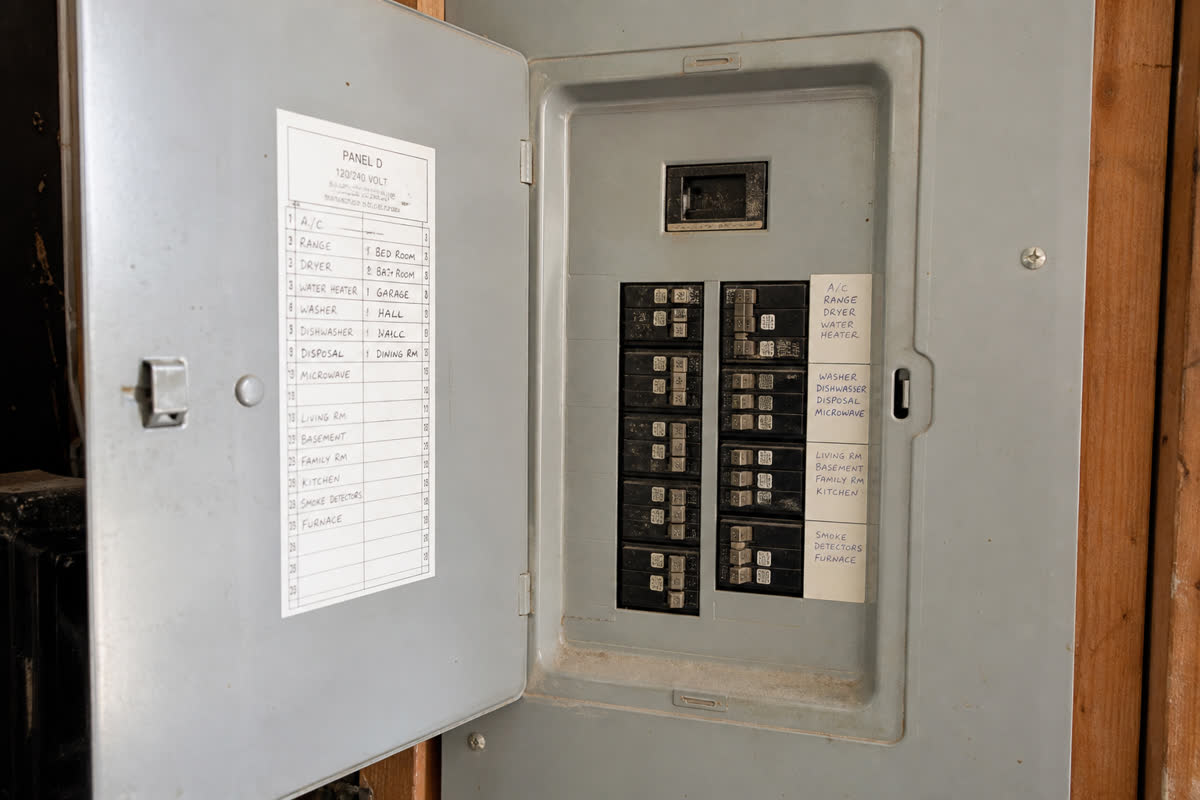
Estimates & Invoices
A panel photo drafts a $2,840 200A upgrade after East Valley comps. You still edit and confirm before send.
Explore Estimates & Invoices →
Price Book
A flat catalog of shop prices — tune-ups, diagnostics, outlets, panels, leaks, ceiling fans. Not a package-deal SKU builder. Ava quotes from the book, then checks nearby rates.
Explore Price Book →
Payment Collection
Stripe connects after go-live. Invoices and balances sit next to the job.
Explore Payment Collection →
Point of Sale
Card on site, invoice from the phone, receipt on the ticket. Point of sale is Owner Desk, not a second terminal.
Explore Point of Sale →
Review drafts
Review requests are drafted when the work is done. They stay queued until send is real. You still confirm before anything goes out.
Explore Review drafts →
Photo quotes Aestar
Ava reads the panel, the condenser, or the leak, drafts the number, then checks nearby rates.
Explore Photo quotes →
Local-rate AI research Aestar
Aestar researches what shops nearby charge for the same work this week, then prices from your book plus that range.
Explore Local-rate AI research →🧮 Accounting
Hours and the money glance are the same numbers as Owner Desk. Payroll assist is later.
Payroll assist (later)
Time on jobs is already on the desk. Pay runs, tax filing, and direct deposit are not live. This page is a stub.
Explore Payroll assist (later) →
Time Tracking
Start and stop on the owner phone. Hours write to the job and the invoice. Payroll assist is later.
Explore Time Tracking →
Payment Collection
Stripe connects after go-live. Invoices and balances sit next to the job.
Explore Payment Collection →
Estimates & Invoices
A panel photo drafts a $2,840 200A upgrade after East Valley comps. You still edit and confirm before send.
Explore Estimates & Invoices →
Job & invoice numbers
Jobs today, week revenue, and invoices outstanding are the same glance the owner already runs.
Explore Job & invoice numbers →
Money on the Owner Desk
Same jobs, techs, and Ava as Owner Desk.
Explore Money on the Owner Desk →🚀 Grow & Scale
Owner app, queued campaigns, rescue, Brand Picker, and GBP — Aestar-only work included.
Owner App
Five tabs in your pocket — Overview, Jobs, Map, Money, Customers. Same jobs as the desk.
Explore Owner App →
Queued campaigns
Autopilot drafts stay on Owner Desk. A warm reply becomes a job only after you confirm.
Explore Queued campaigns →
Speed to Lead
Ava picks up in seconds. The lead is a booked appointment on Owner Desk.
Explore Speed to Lead →
Revenue Rescue
Quiet quotes return with a next action and a local-rate note. Follow-up stays drafted until send is real.
Explore Revenue Rescue →
Business intelligence
Jobs today, week revenue, and invoices outstanding are the same glance the owner already runs.
Explore Business intelligence →
Voice QA (later)
This page scores a sample script. It is not a live recording pipeline.
Explore Voice QA (later) →
Multi-location (later)
A second yard is not live on Shop OS today. Same Ava. Same price book.
Explore Multi-location (later) →
Brand Picker Aestar
Pick navy, orange, photos, and type in the account. The website, Google, and estimates share it.
Explore Brand Picker →
Google + social Aestar
Business Profile, posts, and reviews live in the account. Facebook and Instagram setups sit beside them.
Explore Google + social →
Site + social Aestar
The shop website is inside Aestar. Facebook, Instagram, and Nextdoor setups sit beside Google.
Explore Site + social →
Neighborhood posts Aestar
Neighborhood posts and Nextdoor setup live in Growth, next to Brand Picker and the shop site.
Explore Neighborhood posts →
Next-action queue
Confirm the appointment. Hold the draft. Queue the review. Nothing leaves until you confirm.
Explore Next-action queue →
Ask AI
Ava assigns, builds quotes from customer photos, and drafts GPS texts — then asks you to confirm.
Explore Ask AI →Built for home services
HVAC, plumbing, electrical, and handyman on one board.
Industry language, price books, and Ava’s call flows are shop rules — not a generic script.
- Handyman is first-class, including the handyman sample
- Photo quotes plus local-rate research on the same estimate
- GBP and social live in the account
What to open next
Preview here. Checkout stays on aestarai.com. The board, the phone, and growth share these names.
Questions
Every card is a real page.
Preview $0. Ava answers. Start a trial when you want your own board.
Is this page a screenshot?
No. Photo quotes, local rates, calls, map, estimates, and rescue are live tickets on this page.
Do I need a different login per trade?
No. HVAC, plumbing, electrical, and handyman share the Owner Desk, the owner phone, and Ava.
Will this page charge or text?
No. Collect and confirmations stay in the browser. Checkout is on aestarai.com.
Who is Ava?
Ava is Aestar’s AI receptionist. She answers the shop line, qualifies the job, and books or routes the next step.