 AESTAR
Scheduling & Dispatch
Team Calendar Sync
Google Calendar connects after go-live. Tech availability, jobs, and the map read the same schedule.
Team Calendar Sync · Mesa
Hours the whole team shares.
Google Calendar connects after go-live. Tech availability, jobs, and the map read the same schedule.
The 9:30a AC not cooling and 3:30p leak only exist if the calendar says Chris is free.
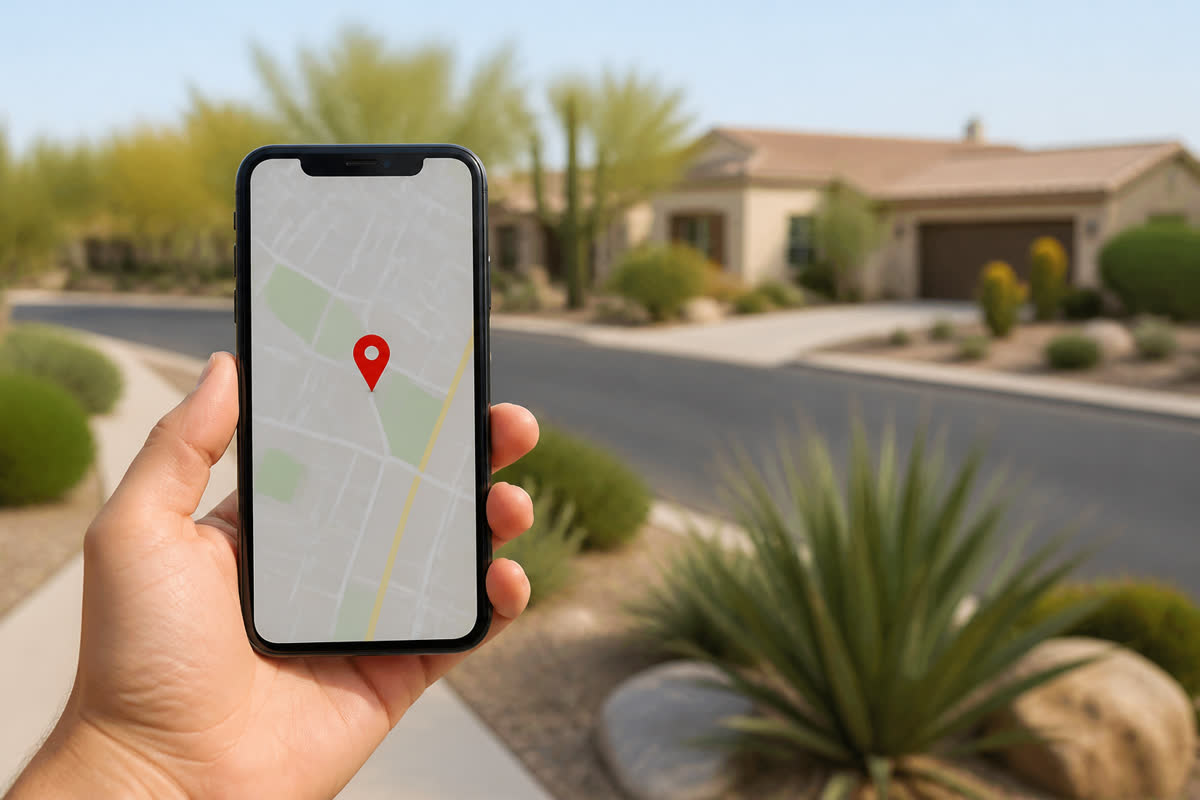
Team Calendar Sync
Questions
How Team Calendar Sync helps a shop.
Preview $0. Ava answers. Start a trial when you want your own board.
Does this connect my live Google Calendar?
No. Onboarding can connect the calendar after you go live. This preview does not start Google sign-in.
Is Team Calendar Sync just a screenshot?
No. This page has a clickable preview of the same Owner Desk you run after you go live.
Will this page text or email a customer?
No. Sample confirmations, review asks, and Google posts stay in your browser until you go live.
Who is Ava?
Ava is Aestar’s AI receptionist. She answers the shop line, qualifies the job, and books or routes the next step.
Related
Stay on the same job-to-be-done.
Neighbors are real pages with the same demo, then the global CTA.
Dispatch Management
Assign the tech, see who is on site. Dispatch is Owner Desk — not a second login.
Explore Dispatch Management →
Tech pins
Techs on the map are pins you assign and drag. This page is assignment — not live GPS tracking.
Explore Tech pins →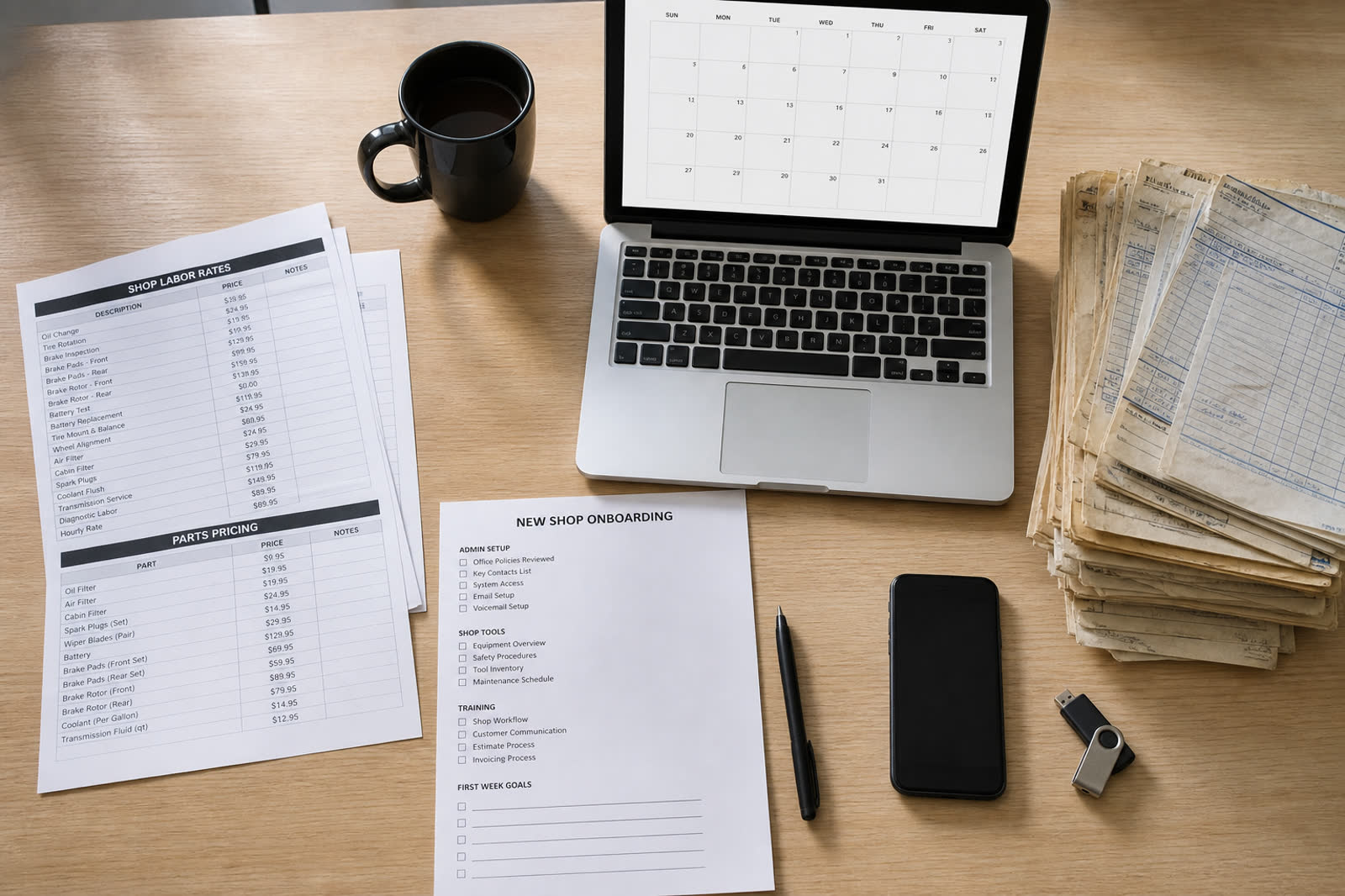
Tracking link
A tracking link shows the appointment and the tech. You copy or share it. This page does not text the link.
Explore Tracking link →
Owner Desk
Same jobs, techs, and Ava as Owner Desk.
Explore Owner Desk →
Owner Desk
Same jobs, techs, and Ava as Owner Desk.
Explore Owner Desk →
Campaigns
Same jobs, techs, and Ava as Owner Desk.
Explore Campaigns →