 AESTAR
Accounting
Time Tracking
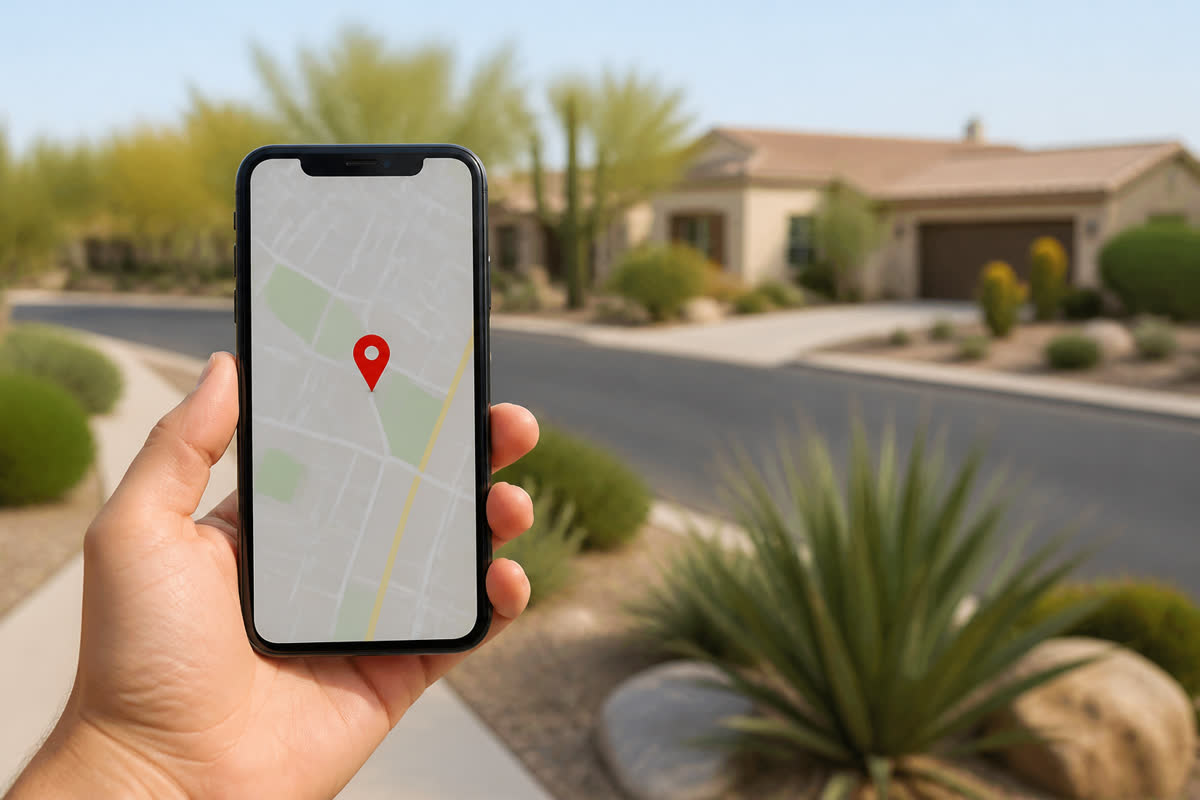
Start and stop on the owner phone. Hours write to the job and the invoice. Payroll assist is later.
Time Tracking · Mesa
Time on the job.
Start and stop on the owner phone. Hours write to the job and the invoice. Payroll assist is later.
Toggle a tech on this board. On the clock / off the clock writes the same hours.
Time Tracking
Questions
How Time Tracking helps a shop.
Preview $0. Ava answers. Start a trial when you want your own board.
Where do the hours land?
On the job, the invoice, and payroll assist — one trail from the owner-phone clock.
Is Time Tracking just a screenshot?
No. This page has a clickable preview of the same Owner Desk you run after you go live.
Will this page text or email a customer?
No. Sample confirmations, review asks, and Google posts stay in your browser until you go live.
Who is Ava?
Ava is Aestar’s AI receptionist. She answers the shop line, qualifies the job, and books or routes the next step.
Related
Stay on the same job-to-be-done.
Neighbors are real pages with the same demo, then the global CTA.
Payroll assist (later)
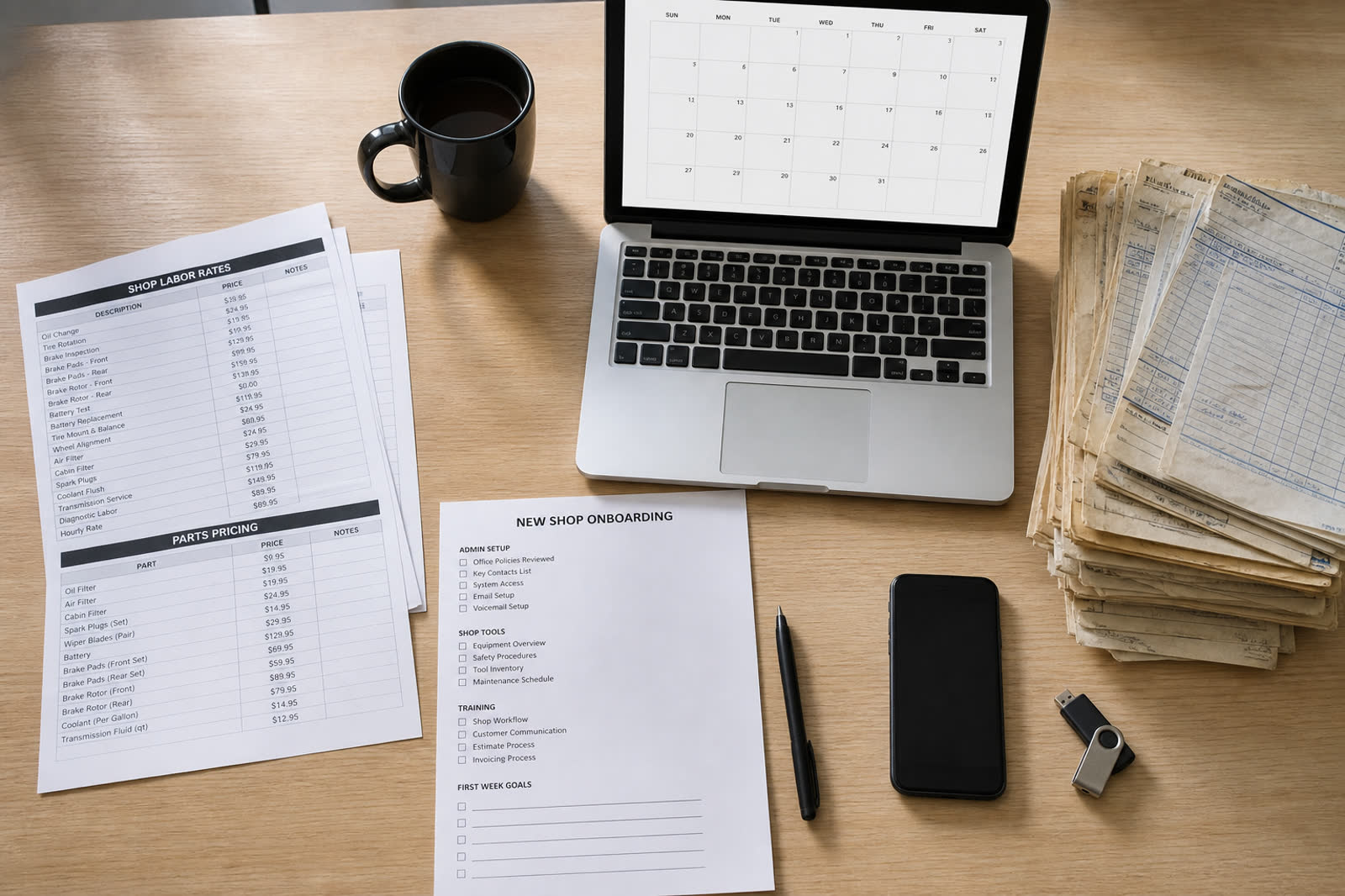
Time on jobs is already on the desk. Pay runs, tax filing, and direct deposit are not live. This page is a stub.
Explore Payroll assist (later) →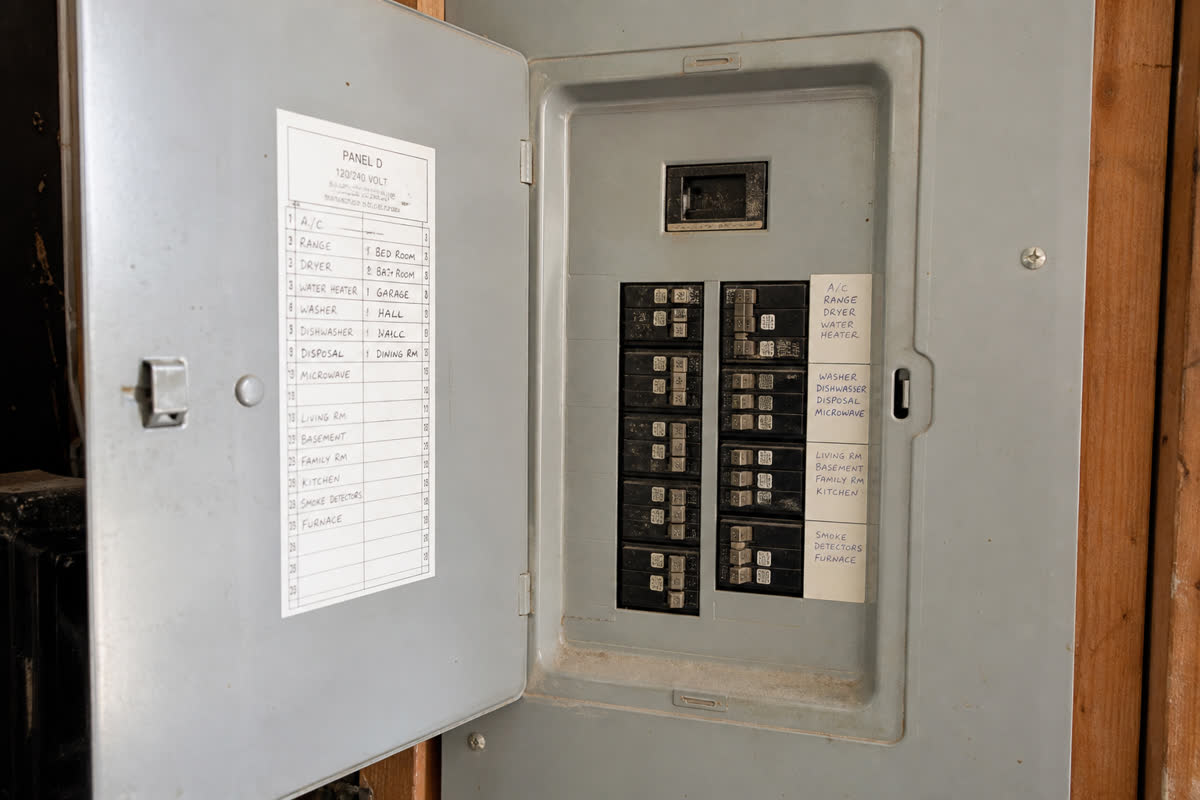
Payment Collection
Stripe connects after go-live. Invoices and balances sit next to the job.
Explore Payment Collection →
Estimates & Invoices
A panel photo drafts a $2,840 200A upgrade after East Valley comps. You still edit and confirm before send.
Explore Estimates & Invoices →
Owner Desk
Same jobs, techs, and Ava as Owner Desk.
Explore Owner Desk →
Owner Desk
Same jobs, techs, and Ava as Owner Desk.
Explore Owner Desk →
Campaigns
Same jobs, techs, and Ava as Owner Desk.
Explore Campaigns →