 AESTAR
Calls & Communication
Smart Message Intake
Texts, website chat, and after-hours notes write as intake: name, address, trade, and urgency. Same Ava as the phone.
Smart Message Intake · Mesa
Turn messages into jobs.
Texts, website chat, and after-hours notes write as intake: name, address, trade, and urgency. Same Ava as the phone.
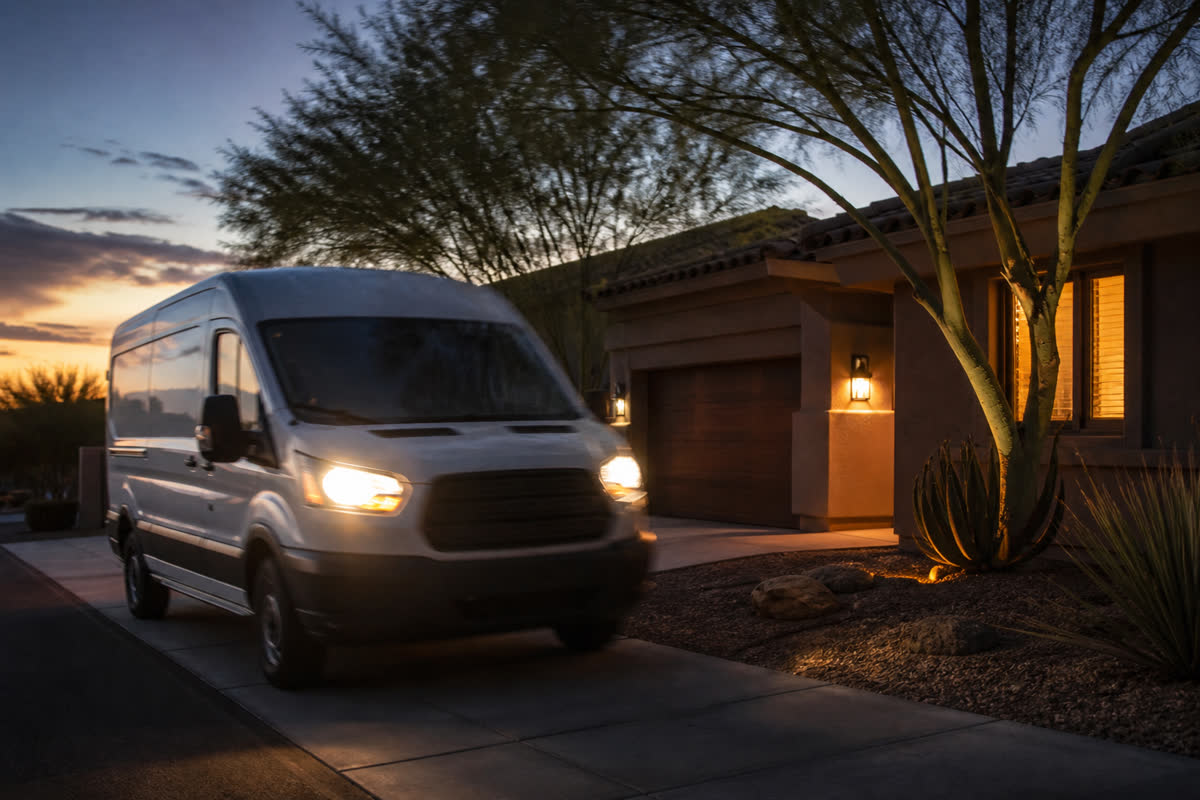
Sample: kitchen leak at 1220 N Recker books 3:30p for Chris. Name, address, and trade are fields on the job.
Smart Message Intake
Questions
How Smart Message Intake helps a shop.
Preview $0. Ava answers. Start a trial when you want your own board.
What message becomes a job?
A kitchen-leak note. Intake captures name, address, trade, and urgency, then books an appointment on the board.
Is Smart Message Intake just a screenshot?
No. This page has a clickable preview of the same Owner Desk you run after you go live.
Will this page text or email a customer?
No. Sample confirmations, review asks, and Google posts stay in your browser until you go live.
Who is Ava?
Ava is Aestar’s AI receptionist. She answers the shop line, qualifies the job, and books or routes the next step.
Related
Stay on the same job-to-be-done.
Neighbors are real pages with the same demo, then the global CTA.
Incoming Call Alerts
Ava flags every inbound call on Owner Desk and the owner phone. Missed calls become a next action.
Explore Incoming Call Alerts →
Call summaries
When Ava hangs up, Owner Desk gets the summary, the job, and the next step.
Explore Call summaries →
Slack (demo-connect)
Owner Desk, owner phone, and Slack (demo-connect) show the same incoming job.
Explore Slack (demo-connect) →
Owner Desk
Same jobs, techs, and Ava as Owner Desk.
Explore Owner Desk →
Owner Desk
Same jobs, techs, and Ava as Owner Desk.
Explore Owner Desk →
Campaigns
Same jobs, techs, and Ava as Owner Desk.
Explore Campaigns →